Customize
Covers28 images
Cover Captions12 items
Case Size
210
Spacing
36
Pull Out
45
Part Gap
14
Camera Tilt
22
Rack Turn
48
Carousel Speed
22
Slide Speed
100
Captions
Background
Plastic Tint
Font
Text Scale
100%
Jewel Case Rack
Hover 265 views•50 uses
Props
15 propertiescoversstring[]28 imagestitlesstring[]12 imagescaseSizenumber210spacingnumber36pullOutnumber45spreadnumber14tiltnumber22turnnumber48driftnumber22speednumber100showTitlesbooleantruebackgroundcolor#cbcbcbcaseTintcolor#e4e8effontFamilystringvar(--font-inter)…textScalenumber100Get this component
Copies the component into your project, installs what it needs, and pulls down its images. Nothing to download by hand.
npx spark-ui-registry@latest add jewel-case-rackWrites to components/spark-ui/ by default; override with --dir. The file is yours to edit; there is no package to keep in sync.
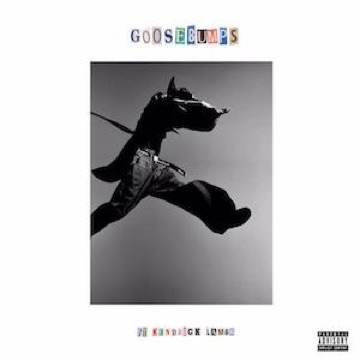
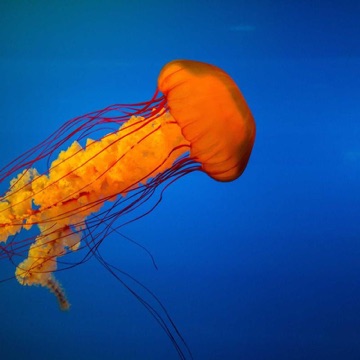
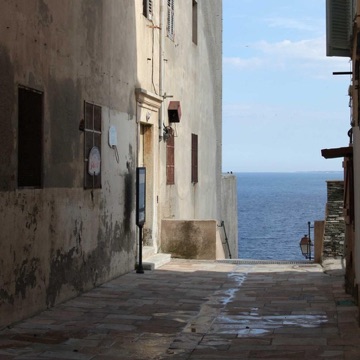
A long isometric rack of CD jewel cases drifting slowly along its length as an endless carousel. Hovering a case brings the rack to a stop and slides that case out of the row in its own plane, like fingering a disc off a shelf, while its neighbours follow part of the way and the rack parts around it.
KEY FEATURES
- ·Every case is a real CSS 3D box: cover behind clear plastic, a black hinge with its knuckles, and translucent top and opening edges
- ·The rack is viewed through a fixed isometric camera, so it reads as an object on a table rather than a flat grid
- ·The hovered case slides furthest; the next three on each side follow at falling strengths, which turns a sweep of the pointer into a wave
- ·Cases in front of and behind the hovered one shift apart a little, opening a gap so it can come out cleanly
- ·The rack drifts as an endless loop, fading cases out at the front and back in at the far end; it eases to a stop on hover and picks up again when the pointer leaves